
Hot Bench Prep
Upload the brief and get twenty questions the court is most likely to put to you, at the difficulty you choose.
Generate QuestionsMay it please the court…
By appellate lawyers, for appellate lawyers.
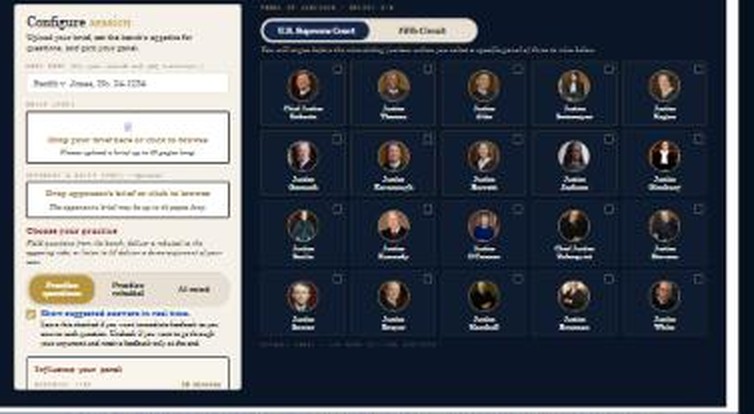
Try the world's first AI-powered moot court simulator! Upload your brief and select your court from current and historic jurists. Listen to an AI advocate argue your case, or use your microphone to argue before justices who interrupt with realistic questions and offer live critiques, post-argument suggestions, and a transcript. This is the ultimate advantage for advocates and law students preparing for moot court competitions.
This isn't entering questions into ChatGPT—an appellate attorney developed tens of thousands of lines of code and custom prompts to make this a realistic, conversational moot. You control the length of the argument, how hot the panel is, and the complexity of questions. It's available 24 hours per day to practice with you and is the next best thing to being in the Court at a fraction of the cost of a live moot.
Want to try a session on us? Contact us.
The pool — 20 justices, current and historic









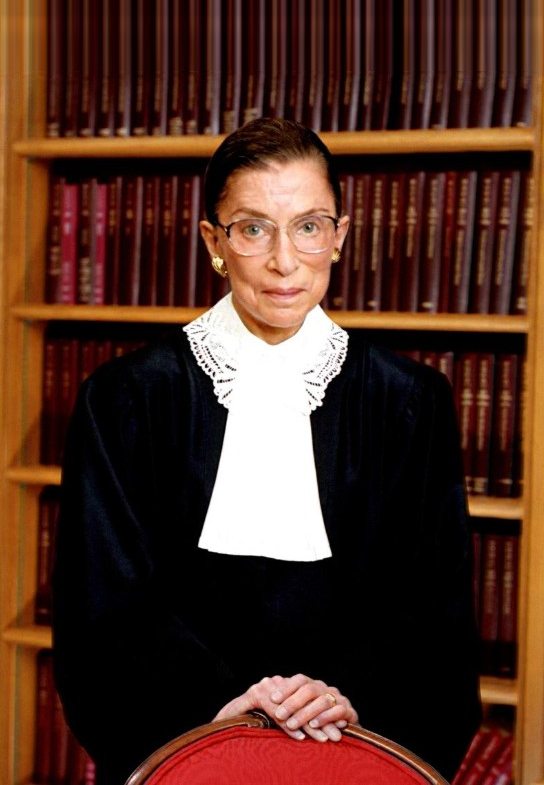




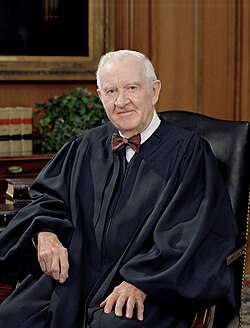


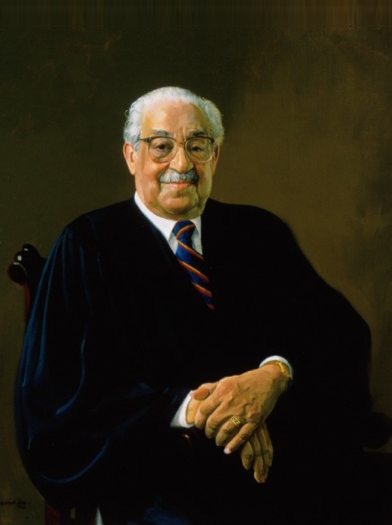
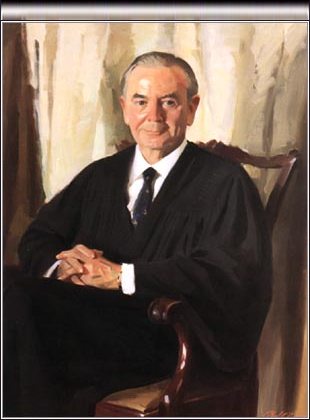

Fantasy Moot puts you at the lectern on historic cases and lets you make the arguments that changed history. Face the pressure of arguing for what's right while navigating the procedural hurdles that the real lawyers faced, in front of virtual versions of the real justices. As you answer questions, you'll get suggestions for better answers. At the end, receive a transcript of your argument and a critique of how you did.
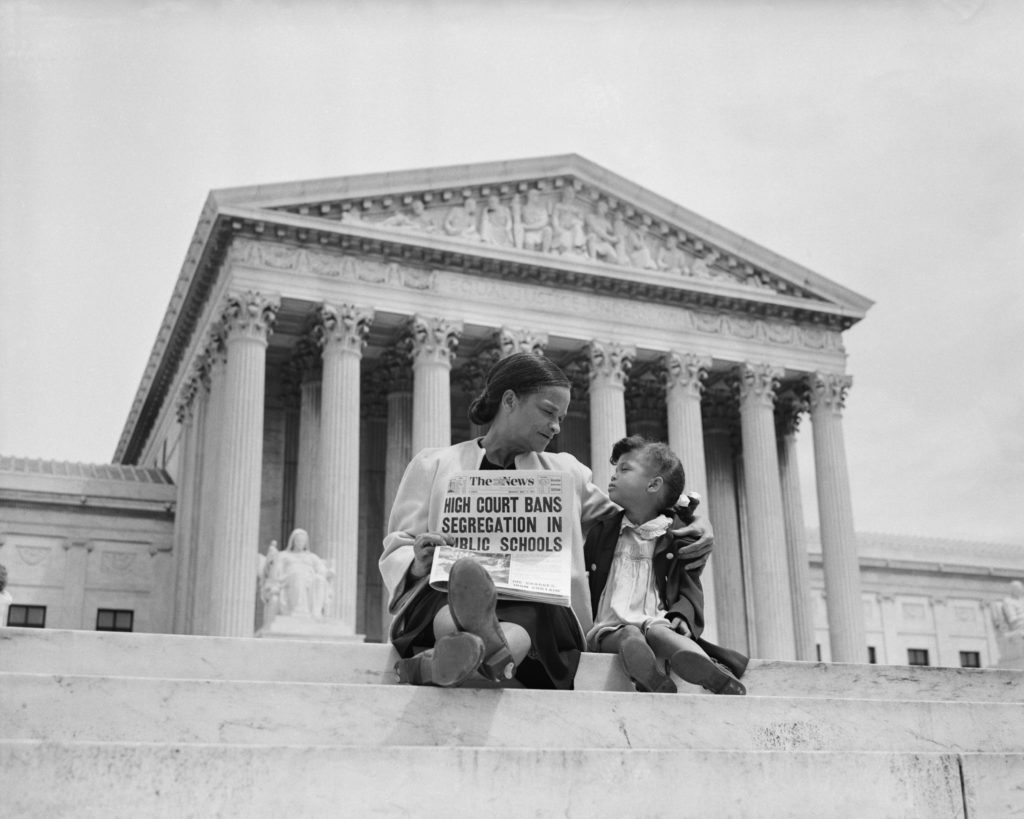
Argue landmark cases such as Brown v. Board of Education and Gideon v. Wainwright before a virtual moot court.
Try Fantasy Moot for Free.
 Try the Appellate Navigator for Free
Two more built on the same engine, for the parts of an appeal that happen before you ever reach the lectern.
Upload the brief and get twenty questions the court is most likely to put to you, at the difficulty you choose.
Generate QuestionsA first-draft oral argument outline as a Word file: the points that matter most, in order, with transitions written between them.
Build an Outline